
One canvas from reference to finished shot.
Great video starts with great frames. Collect references, perfect your characters and key visuals, then turn storyboard cuts into clips.
Windows 10+ · macOS coming soon · No subscription · No expiring credits · Free updates
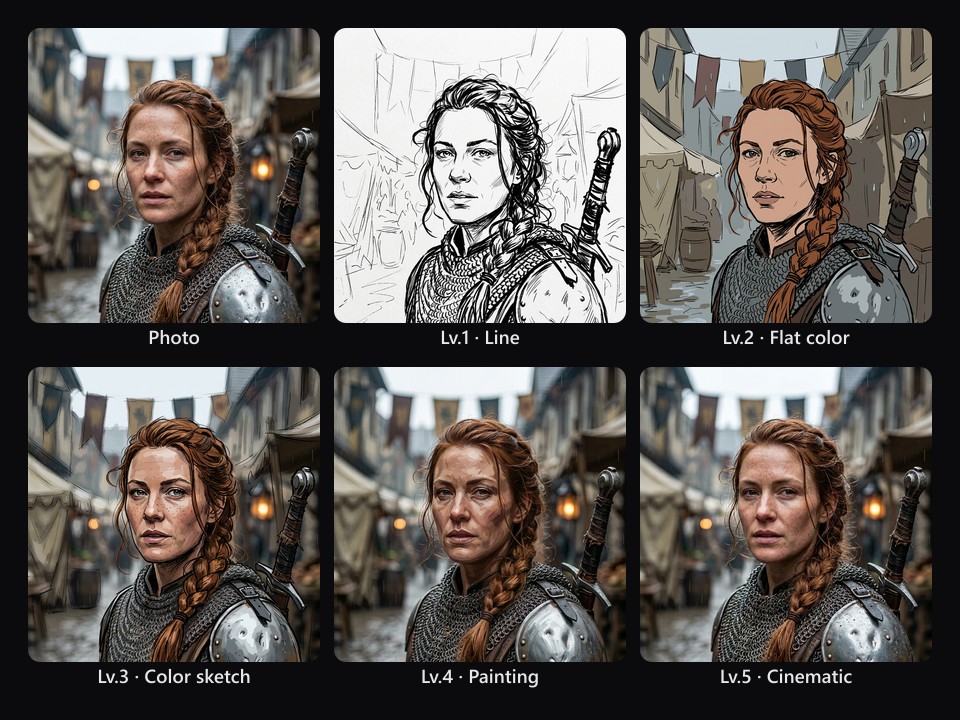
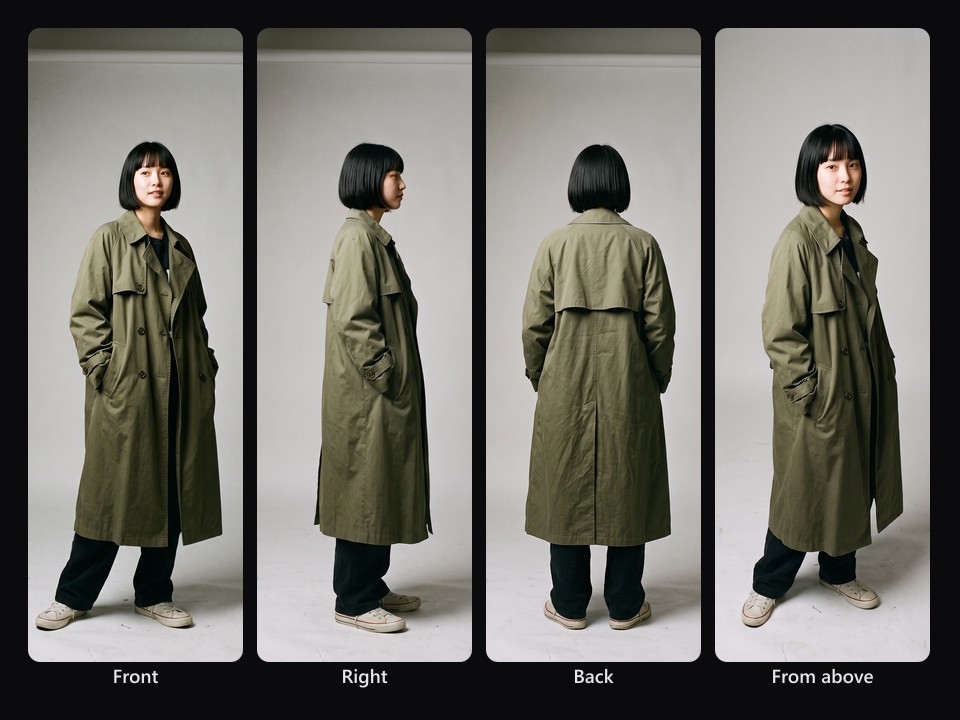
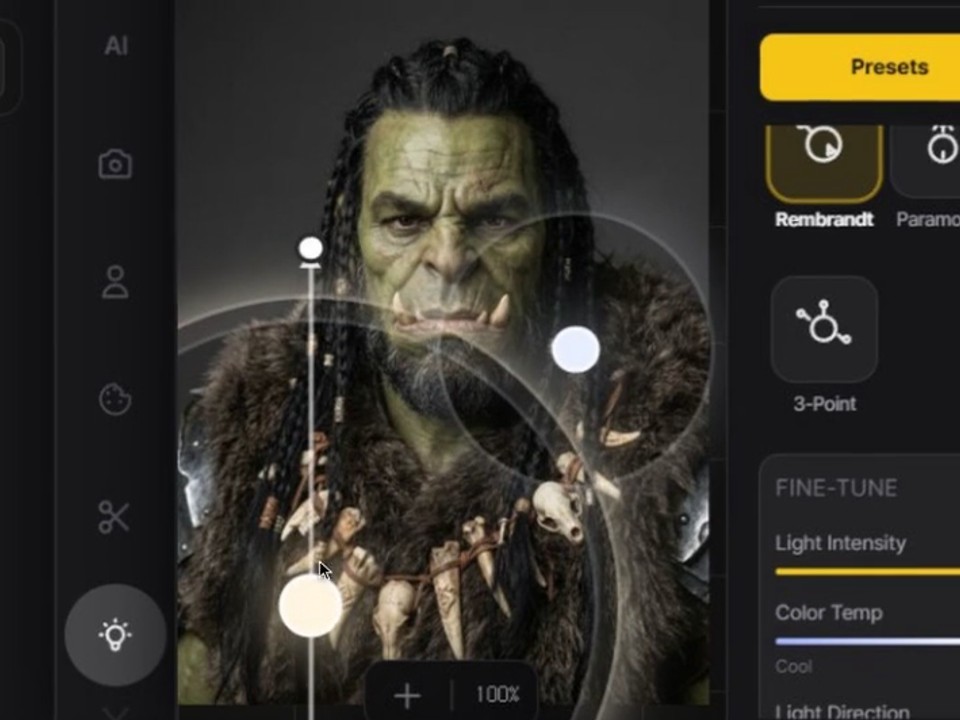
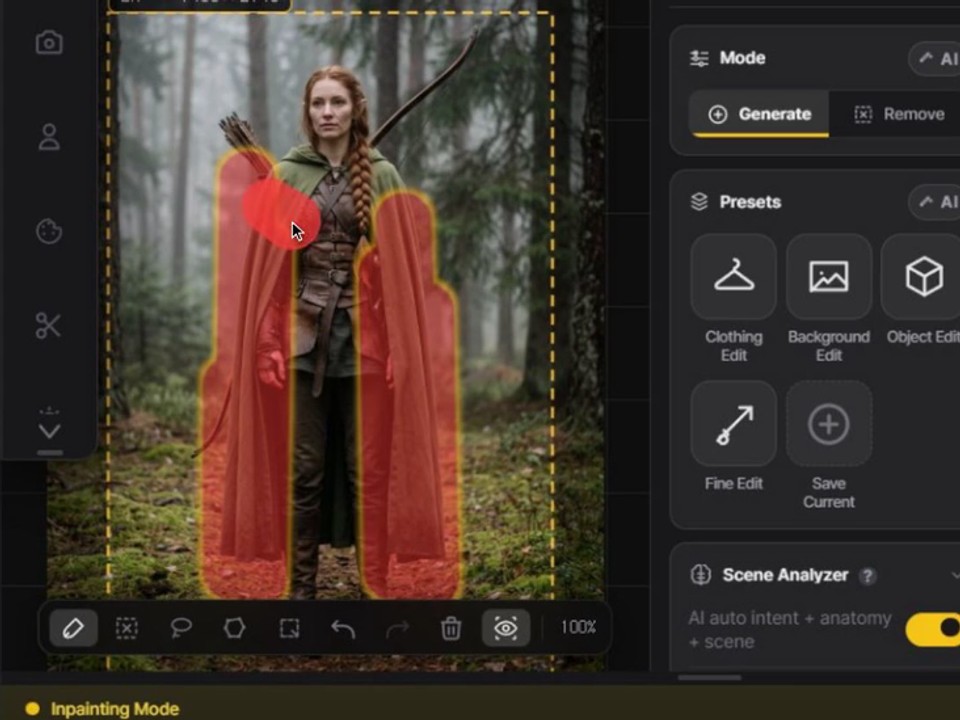
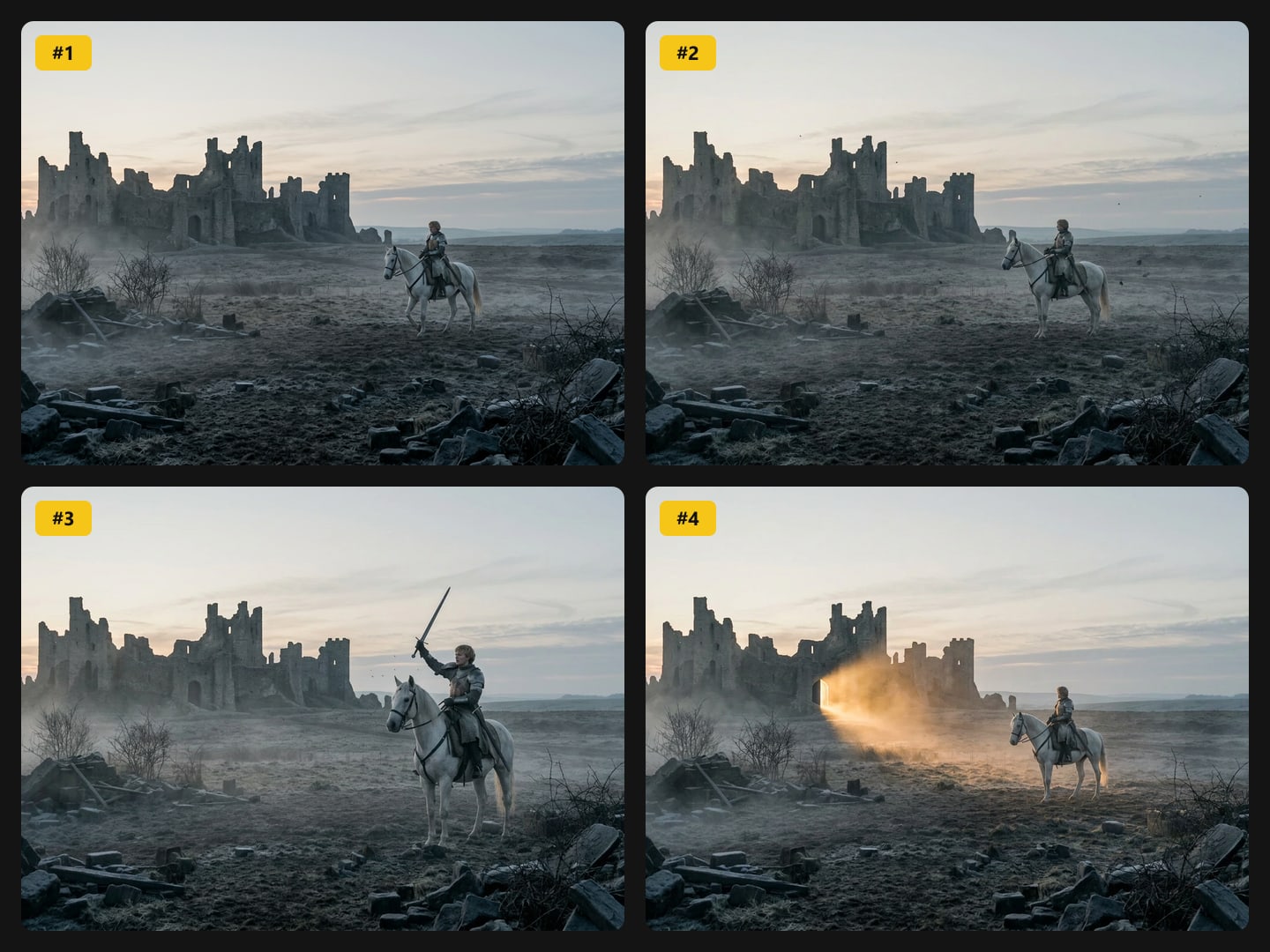
Collect, direct, generate — without leaving the board.
Collect
Paste from the clipboard, drag from Photoshop or the web, or drop a folder. Everything lands on one infinite board, sorted into groups by AI.
Direct
Mark each image as original, reference, pose or outfit — or @mention a character — so the model reads every input for what it is.
Generate
Pick a model, press Generate. The result lands next to its original with the exact prompt and inputs saved, ready to feed the next pass.
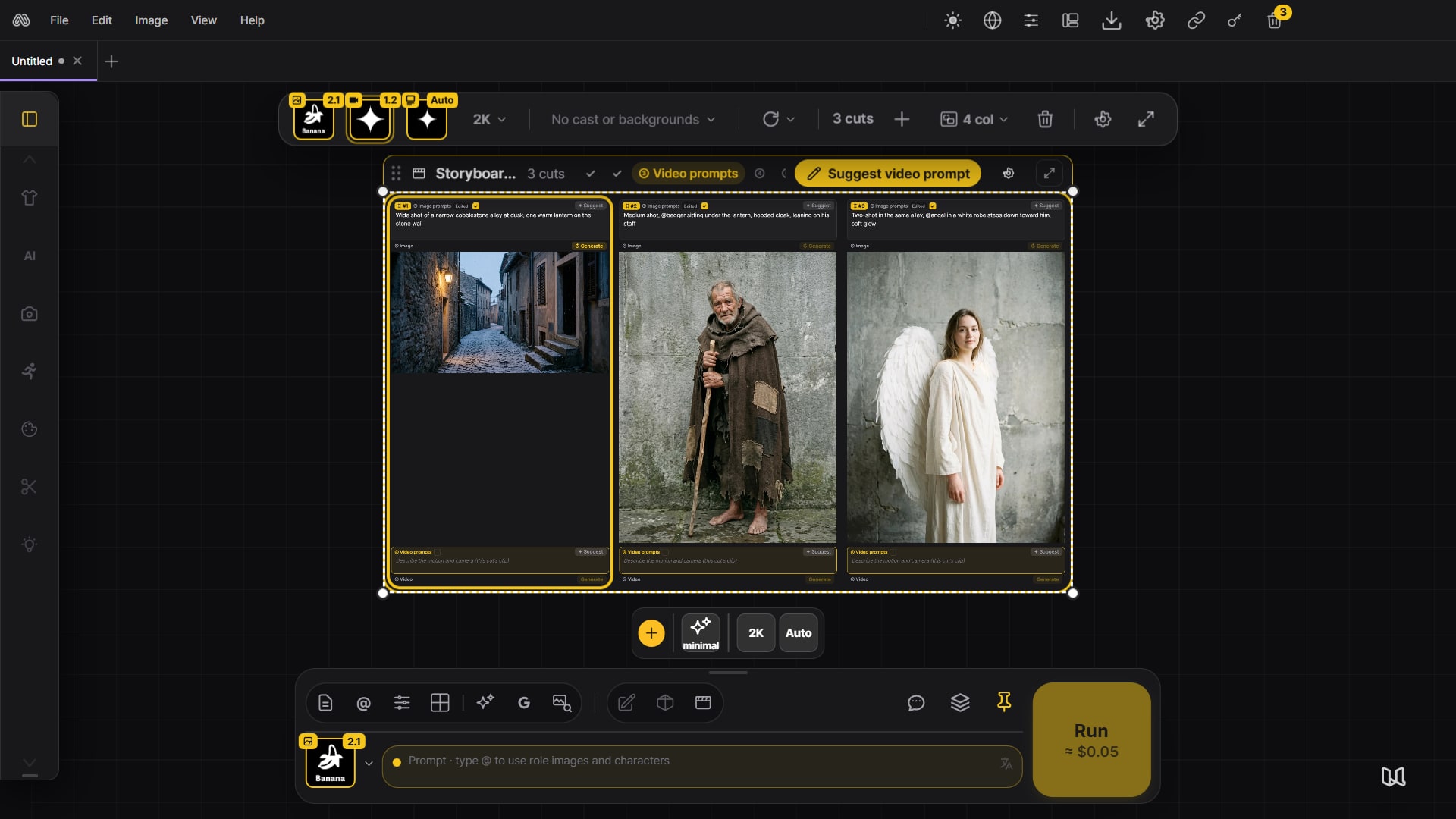
From character sheet to cuts to video.
Make a character sheet from your character, then write the scenario and @mention the cast. AI splits it into cuts and writes a prompt for each. Generate every cut with your characters, turn the cuts into clips with video AI and join them into the final cut — all on your canvas.
Explore storyboards →Meet an AI agent that learns how you work.
Chat with GPT or Gemini, or switch on Agent mode: it reads your canvas, generates and edits images and arranges the board. Tell it how you work — your habits, know-how and workflows — and its agent memory keeps them, so it remembers you and keeps helping even when the AI model changes.
Meet the agent →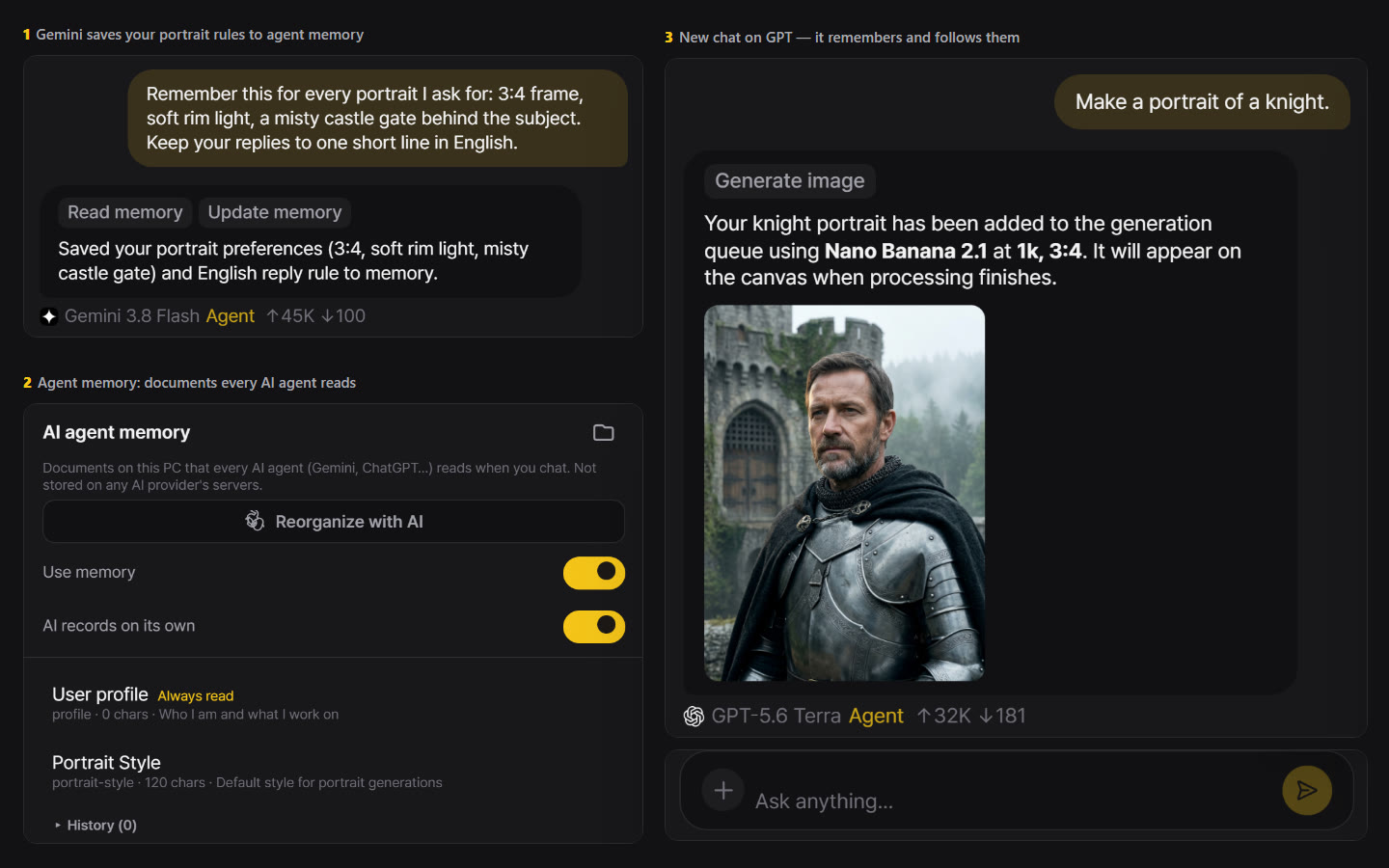
Turn your best prompts into presets you can reuse anytime.
Save any prompt as a tile with its own name, icon and color in the AI Edit panel. It runs next to the built-in tools in the same generation — your studio’s own pipeline, one click away.
Make your own tool →Every major model in one place. Your work stays yours.
Gemini, FLUX, GPT Image, Seedream and Kling in one prompt bar. Prompts and images go from your computer straight to the provider you choose, not through MergeRef servers, so your work stays between you and that provider.
Compare models and prices →$39 once. Yours forever.
Every tool, every future update. No subscription.
Nano Banana Pro≈ $0.67
FLUX 3 Image≈ $0.96
Kling 3.0≈ $4.20
FLUX 3 Video≈ $8.50
Provider list prices, checked November 2026.
Pay each provider directly, at its list price. No MergeRef credits.
Set up your first key →Questions before you buy
Is there a subscription?
No. You pay $39 once and keep every update.
Which computers does it run on?
Windows 10 64-bit or later. A macOS version is in preparation.
Can I get a refund?
Yes. Within 14 days of purchase you get a full refund, for any reason, no questions asked. Request it from your account page.
Be the first to hear when MergeRef launches.
Get notified at launchWe'll email you as soon as it launches.